Choose a garment photo
Use one visible item with enough light and little background clutter.
Add one clothing photo from the camera, photo library or an image address. SELION.AI proposes attributes for review before saving, so recognition speeds up wardrobe setup without replacing your judgment.
Recognition is an import assistant, not an unquestionable label. The wardrobe becomes more useful when difficult items are corrected at the start.
Use one visible item with enough light and little background clutter.
The app proposes a category and other detected attributes.
Correct name, brand, category, season, occasions, colour, material or style where needed.
The confirmed record becomes available to wardrobe search, looks and Agent context.
Lighting, overlapping clothes, prints, unusual fabrics and ambiguous silhouettes can cause incorrect recognition. User-authored fields remain editable; photos and automatic analysis results themselves are not rewritten by Agent.
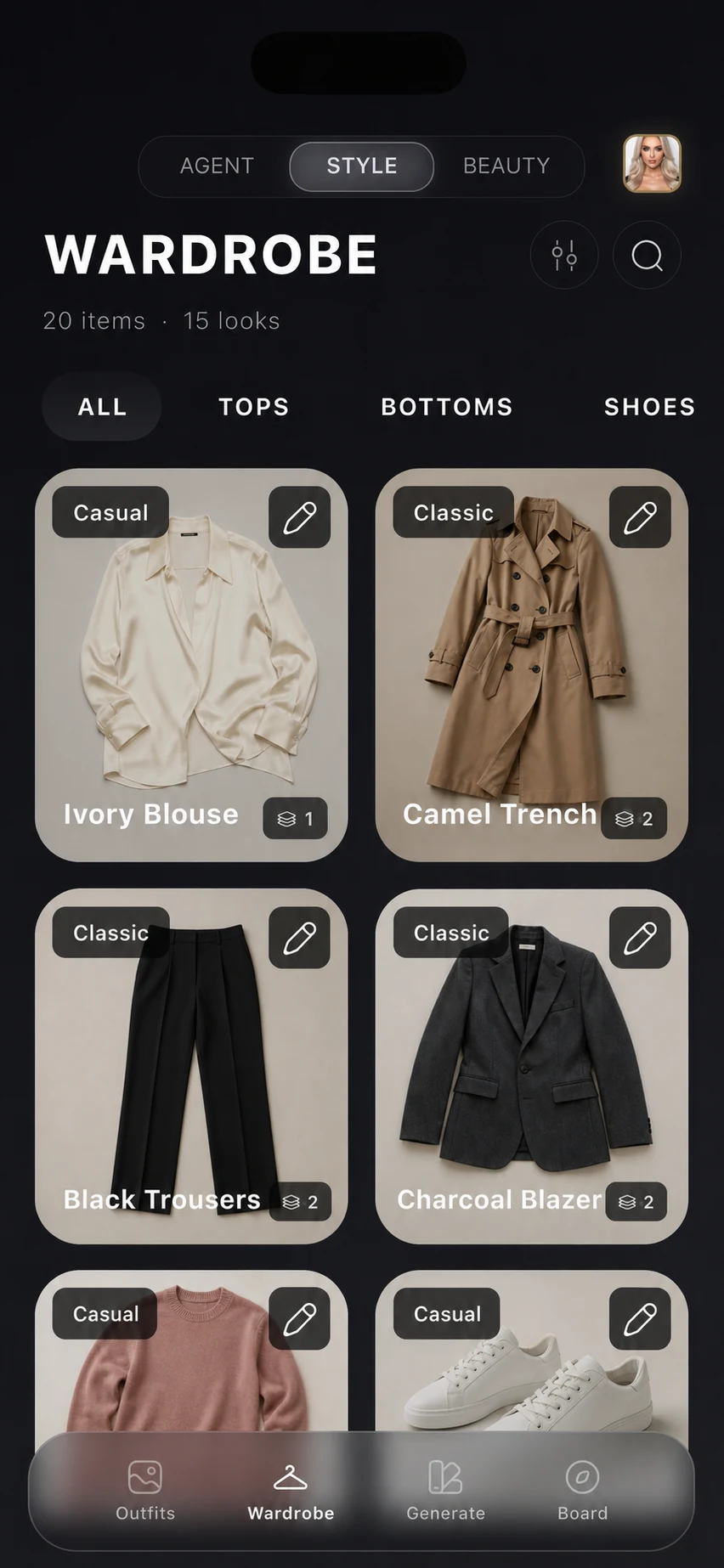
Start an item record from a photo instead of an empty form.
Correct colour, material, style, category, season and occasions.
Use camera, library or an image address where available.
Import several photos with manual review and retry controls.
See when automatic analysis is unfinished and retry manually.
Confirmed items can later support wardrobe search and styling requests.
Important limitation: Recognition can misidentify garment type, colour, material, print, season or style. It cannot verify size, physical condition, authenticity, cleanliness or whether the item is currently available to wear.
Yes. User-authored details such as category, colour, material, season and style remain editable.
The app includes multi-item and Smart Import flows, but photo selection, review and final saving remain manual.
No. Agent can change allowed user-authored details; photos and automatic analysis results are not editable.
Use one clearly visible garment, even lighting and as little obstruction as practical.
Install SELION.AI, add a small set of representative clothes, and review every result against the real garment and your own judgment.
Explore the connected workflow: AI Personal Stylist · AI Outfit Generator · Outfit Check · AI Wardrobe. For current availability, pricing and data handling, check the live stores and the privacy policy.