Choose one owned garment
Use an item already stored in the signed-in wardrobe.
Choose one garment from your SELION.AI wardrobe and a suitable full-body photo. Virtual Try-On creates a generated visualisation that can help compare a direction before you try the real item.
Virtual Try-On is a generative image workflow. A readable garment and a suitable person photo reduce ambiguity but do not turn the output into a measurement.
Use an item already stored in the signed-in wardrobe.
Keep the full body visible with limited obstruction and even light.
Inspect the result for changed seams, texture, logos, proportions or body details.
Check size, fit, fabric, transparency, movement and comfort separately.
Generative try-on can alter garment construction, small details, body shape and lighting. Use it to explore whether a direction is worth trying—not to decide that something fits.
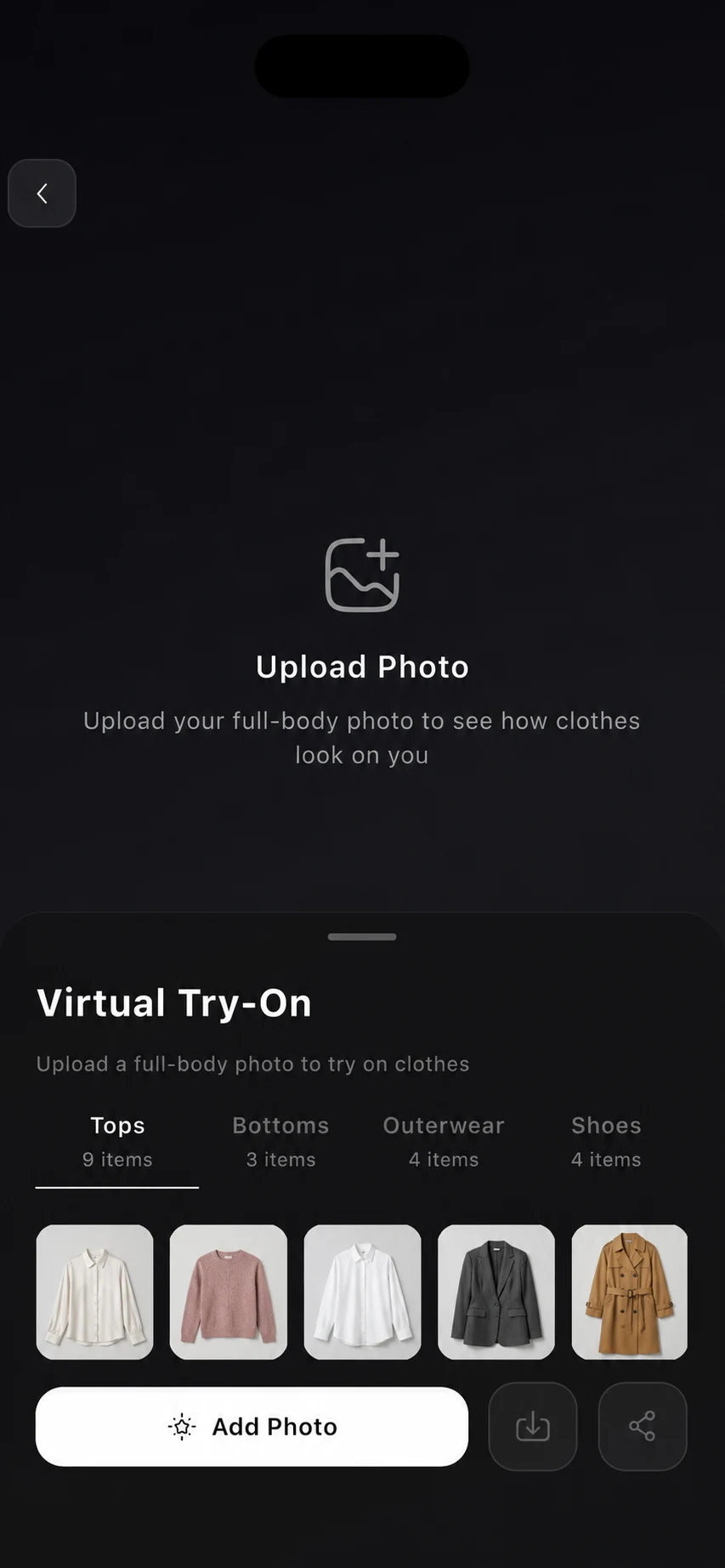
Explore whether a garment direction is worth trying in real life.
Start from one item already stored in the wardrobe.
Compare alternatives before changing into the real clothes.
Ask for a try-on flow while ownership and credits remain verified.
Find supported saved try-ons later in Artifacts.
Read current photo and data disclosures before uploading personal images.
Important limitation: Virtual Try-On cannot measure your body, confirm sizing, simulate exact fabric physics, preserve every seam or logo, guarantee colour accuracy or prove how a garment will look in person. It requires available AI Credits.
One owned garment, a suitable full-body photo and available AI Credits.
No. The result is a generated visualisation, not a body or garment measurement.
Yes. Texture, seams, logos, layering, proportions and small details can change.
Only as visual direction. Check the real product, measurements, material, size guidance and return policy.
Install SELION.AI, add a small set of representative clothes, and review every result against the real garment and your own judgment.
Explore the connected workflow: AI Personal Stylist · Clothing Photo Recognition · AI Outfit Generator · AI Wardrobe. For current availability, pricing and data handling, check the live stores and the privacy policy.