Save a look
Choose an outfit you already want to plan.
Schedule a saved look for a day, review what is already planned, and adjust the week when commitments change. SELION reads already-authorised event context without writing to your external calendar.
The calendar organizes clothing decisions around dates while keeping external commitments and SELION plans separate.
Choose an outfit you already want to plan.
Place the look on a day in the SELION calendar.
Use already-authorised device event context when available.
Reschedule or remove a look plan when circumstances change.
The STYLE surface exposes saved looks and the week strip where outfit plans begin. SELION Agent can help schedule a supported action, while the calendar remains a dedicated plan you control.
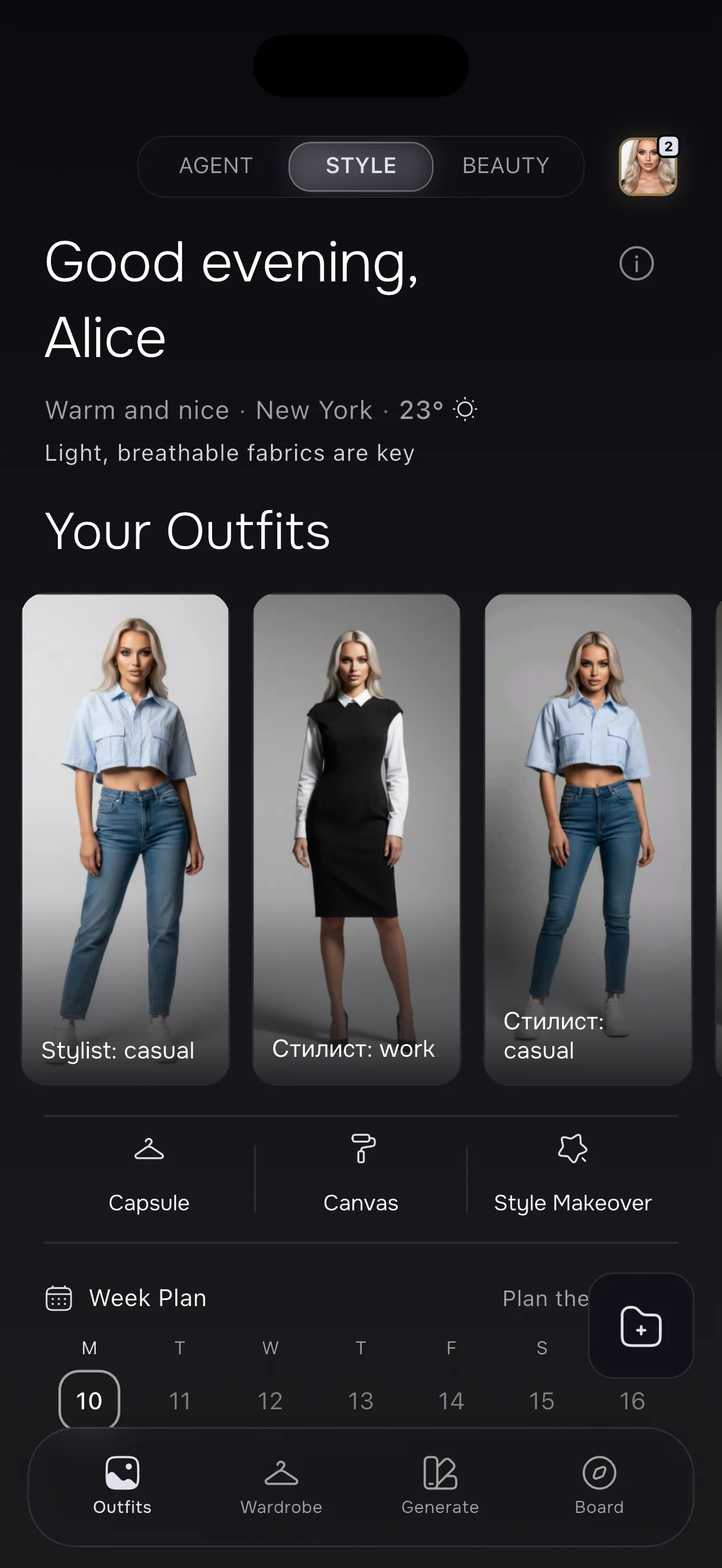
Assign one saved look to a specific day.
Read already-authorised device calendar context for planning.
Move or remove a SELION look plan with confirmation where required.
Ask to schedule a look, then verify the date and plan.
What you need: At least one saved look. Device event context is optional and only read when calendar permission has already been granted.
Important limitation: SELION changes only outfit plans inside SELION.AI. It does not write to Apple Calendar, Google Calendar, or the device calendar, and it cannot confirm that clothing is clean, available, or appropriate for an event.
It assigns a saved SELION look to a date and shows what is already planned.
No. It can read already-authorised event context but does not write to the device, Apple, or Google calendar.
Yes. Supported actions include rescheduling and removing an outfit plan, with confirmation outside Turbo where required.
Yes. At least one saved look is required before it can be scheduled.
Save a real look, place it on a date, and revise the plan when your commitments change.
Explore more: SELION Agent · AI Wardrobe · Trip Planner · Capsule Wardrobe · Outfit Calendar · Beauty AI.